 proverik
Platform review
OpenArt AI Review
A closer look at Character Builder, Director mode, and the cost of working across images and video.
Quick verdict
- Best for
- Image-led projects that need the same character or visual reference across a sequence of short shots.
- Check before paying
- Try a wide shot and a close-up. Check whether the same person, outfit, and style survive the change in framing.
Character Builder and Director mode
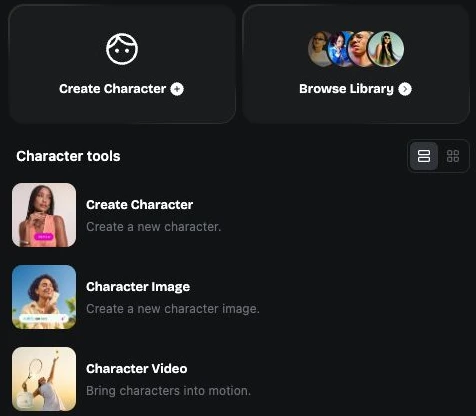
OpenArt describes saved characters as reusable references across scenes. Create a neutral reference and reuse it on a wide shot and close-up, then check whether skin tone, hair, and costume survive the change. Our three-shot workflow guide gives you a checklist to run the same task on other tools.
Director mode is designed to build longer, multi-scene outputs from a brief. Compare its first pass with a manually assembled edit. Pay attention to which scenes can be corrected independently and how much time changes to a single scene take.
How credits affect the workflow
OpenArt displays credit charges in the generation form. Its help center says charges vary by model and settings, and video typically uses more credits than an image. If you have one balance for both media, reserve enough for video retakes before you spend on reference stills.
The pricing page limits Unlimited generation to selected models and plans. Check that the models used by your workflow are eligible and review the renewal price before paying annually.
What to check before subscribing
Bring a reference image you own and judge the entire path from still to a deliverable.
- Save the character, then use it in two differently framed video shots.
- Record reference generation, rendering, and re-rendering as separate credit charges.
- Download the resulting files and confirm the export format and permissions match your project.